
Turn a technical product update into a social media post carousel that customers can easily understand.
Product updates are written by engineers using internal jargon, making them difficult to translate into clear, engaging social media posts without spending hours rewriting them.
- Before
- 60 min
- After
- 30 min
- Saved
- 30 min
How this used to go
- Read the raw product release notes or changelog.
- Highlight the features or fixes that matter most to regular users.
- Translate technical terms and internal code names into plain language.
- Outline the structure for a multi-slide carousel post.
- Draft the text for each individual slide to fit character limits.
- Review the draft against the original notes to ensure accuracy.
Spending most of the time trying to decode technical jargon and figure out how to explain a complex feature simply.
The workflow, step by step
- You
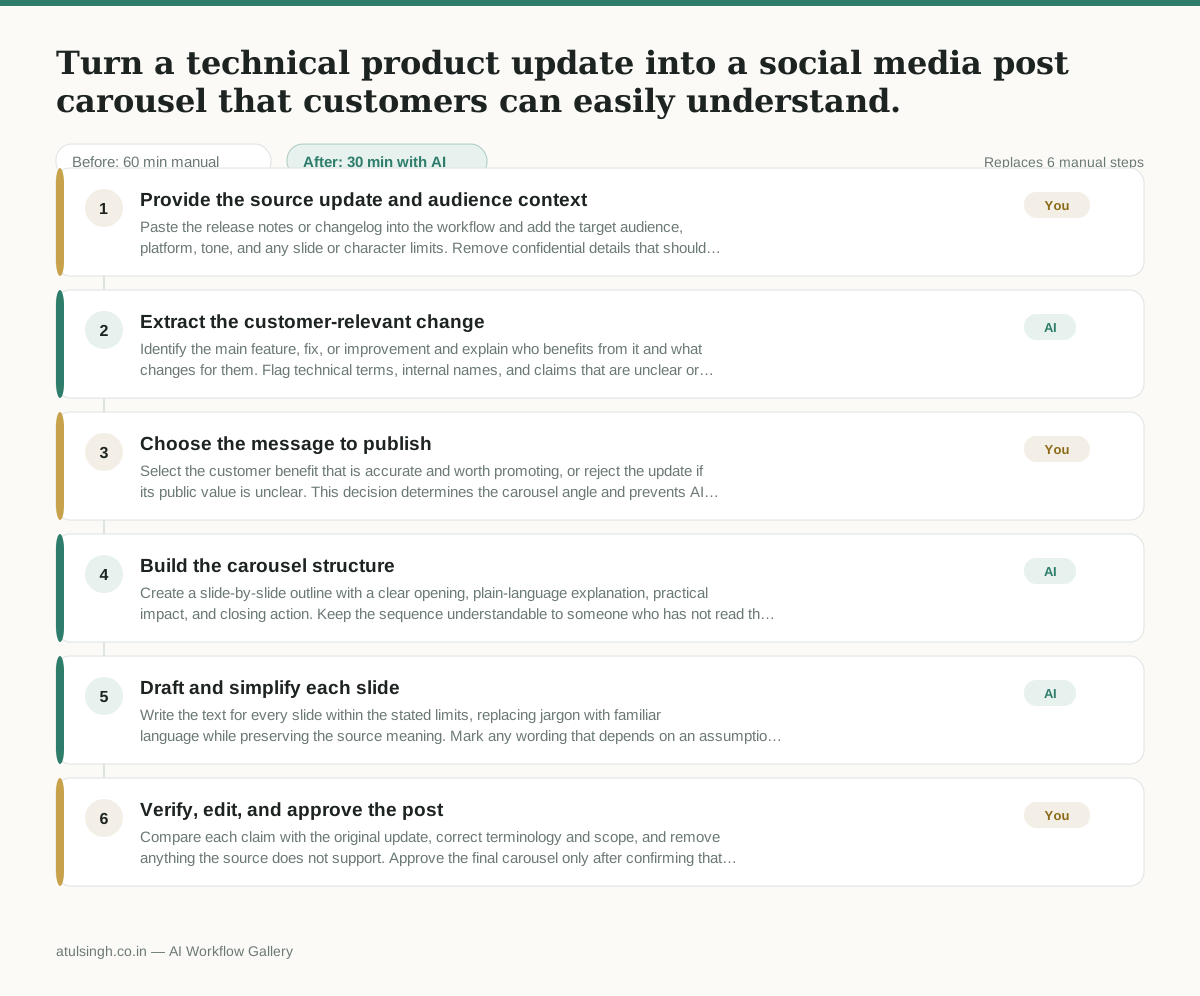
1. Provide the source update and audience context
Paste the release notes or changelog into the workflow and add the target audience, platform, tone, and any slide or character limits. Remove confidential details that should not appear in public content.
- AI
2. Extract the customer-relevant change
Identify the main feature, fix, or improvement and explain who benefits from it and what changes for them. Flag technical terms, internal names, and claims that are unclear or unsupported by the source notes.
- You
3. Choose the message to publish
Select the customer benefit that is accurate and worth promoting, or reject the update if its public value is unclear. This decision determines the carousel angle and prevents AI from turning an internal implementation detail into a misleading promise.
- AI
4. Build the carousel structure
Create a slide-by-slide outline with a clear opening, plain-language explanation, practical impact, and closing action. Keep the sequence understandable to someone who has not read the release notes.
- AI
5. Draft and simplify each slide
Write the text for every slide within the stated limits, replacing jargon with familiar language while preserving the source meaning. Mark any wording that depends on an assumption or cannot be verified from the release notes.
- You
6. Verify, edit, and approve the post
Compare each claim with the original update, correct terminology and scope, and remove anything the source does not support. Approve the final carousel only after confirming that the wording is clear, accurate, and suitable for the intended audience.
What you end up with
Where this falls apart
- The source release notes contain undocumented feature behaviors, causing the model to invent plausible-sounding details that misinform customers.
- The technical update lacks any clear end-user benefit, leading the model to force an unhelpful consumer framing onto internal code refactoring.
More for Social Media Manager
- Analyze competitor viral posts to draft three trend hooks, discarding off-brand angles
- pitching influencers and checking their engagement before sending messages
- Plan next month's organic social media posts and cut the weak ideas before anyone approves the schedule.
- building next month's social calendar from the content roadmap
Also in marketing
- Turn a recorded customer interview into a draft blog post
- Sorting incoming customer leads from web forms and assigning them to the right sales reps based on company size and location
- Turn a technical whitepaper into a three-part email nurture sequence before it launches
- Reviewing an existing ranking article, checking every claim and figure against current source data, and identifying outdated statements before republication