
Sorting incoming customer leads from web forms and assigning them to the right sales reps based on company size and location
Leads sit unassigned in an inbox or shared spreadsheet while reps manually check company details and territories, leading to delayed responses to prospective buyers.
- Before
- 15 min
- After
- 5 min
- Saved
- 10 min
How this used to go
- Open the form submission inbox or notification spreadsheet each morning
- Look up the incoming company name on LinkedIn or Google to check employee count and location
- Cross-reference the company details against the current sales territory assignment rules
- Check the sales team calendar or CRM rotation list to see whose turn it is to receive a lead
- Send an email or message in chat to introduce the assigned rep to the lead
Manually researching company details for every single lead before figuring out who should handle it.
The workflow, step by step
- AI
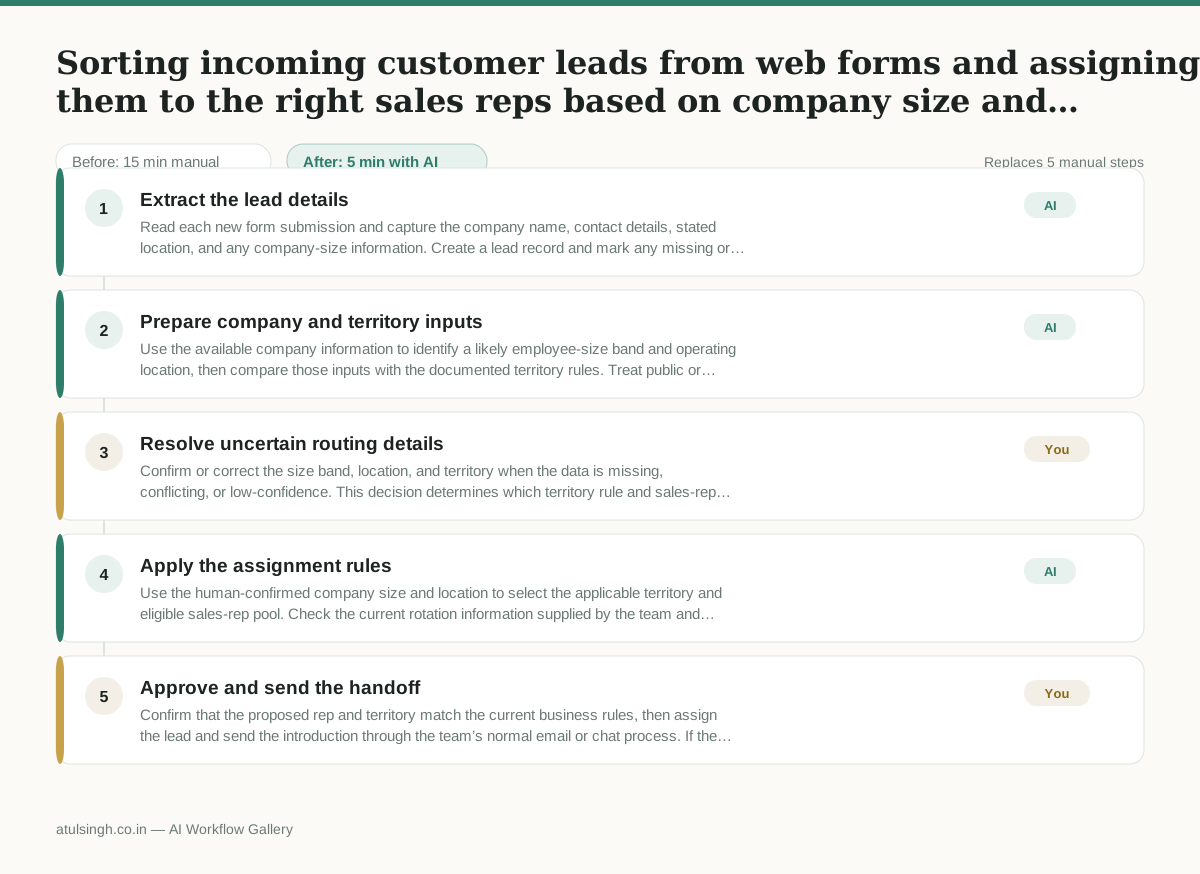
1. Extract the lead details
Read each new form submission and capture the company name, contact details, stated location, and any company-size information. Create a lead record and mark any missing or contradictory fields.
- AI
2. Prepare company and territory inputs
Use the available company information to identify a likely employee-size band and operating location, then compare those inputs with the documented territory rules. Treat public or incomplete data as unverified rather than presenting it as fact.
- You
3. Resolve uncertain routing details
Confirm or correct the size band, location, and territory when the data is missing, conflicting, or low-confidence. This decision determines which territory rule and sales-rep pool will be used, so route the lead to an exception queue when it cannot be resolved.
- AI
4. Apply the assignment rules
Use the human-confirmed company size and location to select the applicable territory and eligible sales-rep pool. Check the current rotation information supplied by the team and propose the next eligible rep, noting any unavailable or missing rotation data.
- You
5. Approve and send the handoff
Confirm that the proposed rep and territory match the current business rules, then assign the lead and send the introduction through the team’s normal email or chat process. If the assignment is wrong, change the rep before the lead is contacted.
What you end up with
Where this falls apart
- An inbound form submission contains a common company name that matches multiple distinct corporate entities, causing the system to apply the wrong employee size band and territory rules.
- A prospective buyer enters an unconventional or non-standard location format, causing the system to misinterpret the geographic region and route the lead to an incorrect sales team pool.
More for Content Marketer
- Turn a recorded customer interview into a draft blog post
- Turn a technical whitepaper into a three-part email nurture sequence before it launches
- Reviewing an existing ranking article, checking every claim and figure against current source data, and identifying outdated statements before republication
- Plan out the next month of content based on what people are actually asking for and our sales goals
Also in marketing
- Analyze competitor viral posts to draft three trend hooks, discarding off-brand angles
- pitching influencers and checking their engagement before sending messages
- Write and test five ad variants for one campaign from a single landing page
- Pulling the weekly paid channel report and explaining what actually drove the performance changes