
Writing personalized LinkedIn connection requests based on a prospect's recent posts
Doing this manually takes significant time to read through a prospect's activity, find a relevant post, and draft a connection note that actually connects their content to your offering without sounding generic or automated.
- Before
- 10 min
- After
- 4 min
- Saved
- 6 min
How this used to go
- Navigate to the prospect's LinkedIn profile
- Scroll down to their recent posts and activity feed
- Read through several posts to find a relevant topic or theme
- Identify a specific point, question, or insight they shared
- Draft a short note referencing that specific post and tying it to your outreach angle
- Edit the draft to ensure it fits within LinkedIn's character limit for connection notes
- Send the connection request
Reading through multiple posts and trying to synthesize a relevant, non-awkward connection note for every single prospect takes up a large portion of daily prospecting time.
The workflow, step by step
- You
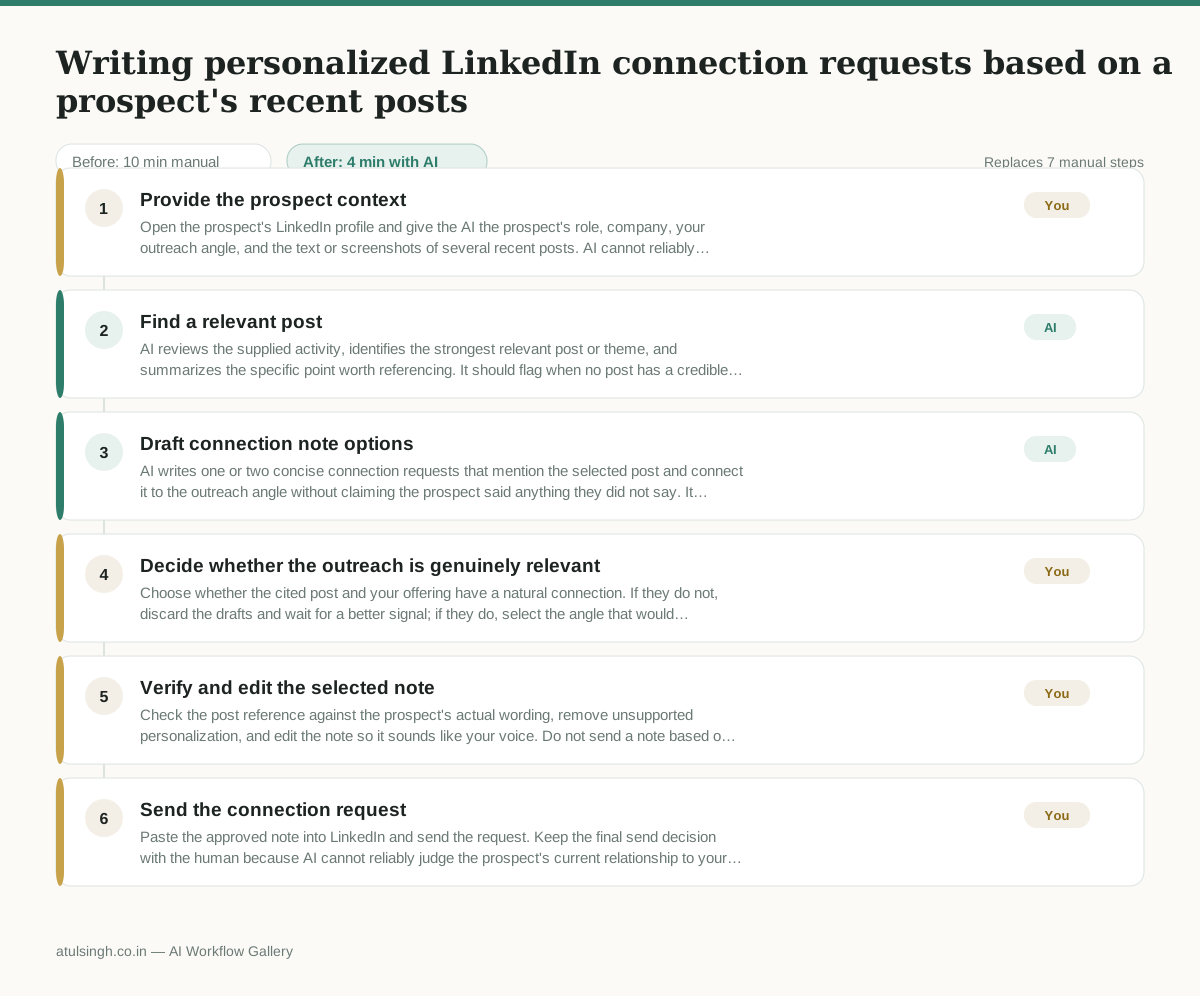
1. Provide the prospect context
Open the prospect's LinkedIn profile and give the AI the prospect's role, company, your outreach angle, and the text or screenshots of several recent posts. AI cannot reliably access or interpret private, missing, or incomplete LinkedIn activity.
- AI
2. Find a relevant post
AI reviews the supplied activity, identifies the strongest relevant post or theme, and summarizes the specific point worth referencing. It should flag when no post has a credible connection to your offering instead of forcing a tie-in.
- AI
3. Draft connection note options
AI writes one or two concise connection requests that mention the selected post and connect it to the outreach angle without claiming the prospect said anything they did not say. It keeps each draft within the applicable LinkedIn connection-note limit.
- You
4. Decide whether the outreach is genuinely relevant
Choose whether the cited post and your offering have a natural connection. If they do not, discard the drafts and wait for a better signal; if they do, select the angle that would feel appropriate to send.
- You
5. Verify and edit the selected note
Check the post reference against the prospect's actual wording, remove unsupported personalization, and edit the note so it sounds like your voice. Do not send a note based on an unclear, outdated, or misread post.
- You
6. Send the connection request
Paste the approved note into LinkedIn and send the request. Keep the final send decision with the human because AI cannot reliably judge the prospect's current relationship to your company or whether outreach is appropriate.
What you end up with
Where this falls apart
- The prospect's recent posts are entirely personal or off-topic, which causes the AI to force an awkward and artificial connection to the business offering.
- The prospect's LinkedIn activity feed is restricted or hidden, which causes the AI to fabricate post details based on outdated or incorrect assumptions.
More for SDR / BDR
- Researching target accounts for cold outreach by checking recent news and job postings to write a personalized first email
- Find specific triggers in a company annual report for a personalized pitch
- Mapping the buying committee for a target enterprise account before initial outreach
- Write a first-touch outbound email to a target account based on recent public signals like news, job postings, or social media activity
Also in sales
- Research an incoming company and its decision makers before a first sales meeting
- Prep for a B2B demo call by checking recent company news, job postings, and tech stack changes to build relevant questions.
- Reviewing a new sales rep's practice pitch against the team's call criteria before letting them talk to real prospects
- reaching out to former colleagues and personal contacts to announce a new company or product launch without sounding like a spammy marketer