
Checking active prospect accounts for recent company news, leadership changes, or funding rounds so outreach can be tailored.
By the time an SDR manually checks company websites, news alerts, and LinkedIn profiles for every target account, the information is often outdated, or hours have been spent on accounts that have no relevant updates.
- Before
- 15 min
- After
- 7 min
- Saved
- 8 min
How this used to go
- Open the CRM and filter the list of active prospect accounts scheduled for outreach today.
- Search Google News for each company name to look for recent announcements, product launches, or acquisitions.
- Check LinkedIn for the target accounts to see if key decision-makers have posted updates or changed roles.
- Review the target company's careers page to see if they are hiring for specific departments.
- Cross-reference findings with the existing sequence or template to decide if the planned outreach needs rewriting.
- Log notes in the CRM regarding any relevant triggers found before starting outbound calls or emails.
Spending ten minutes researching an account only to find zero meaningful changes, meaning the time yielded no reason to customize the message.
The workflow, step by step
- You
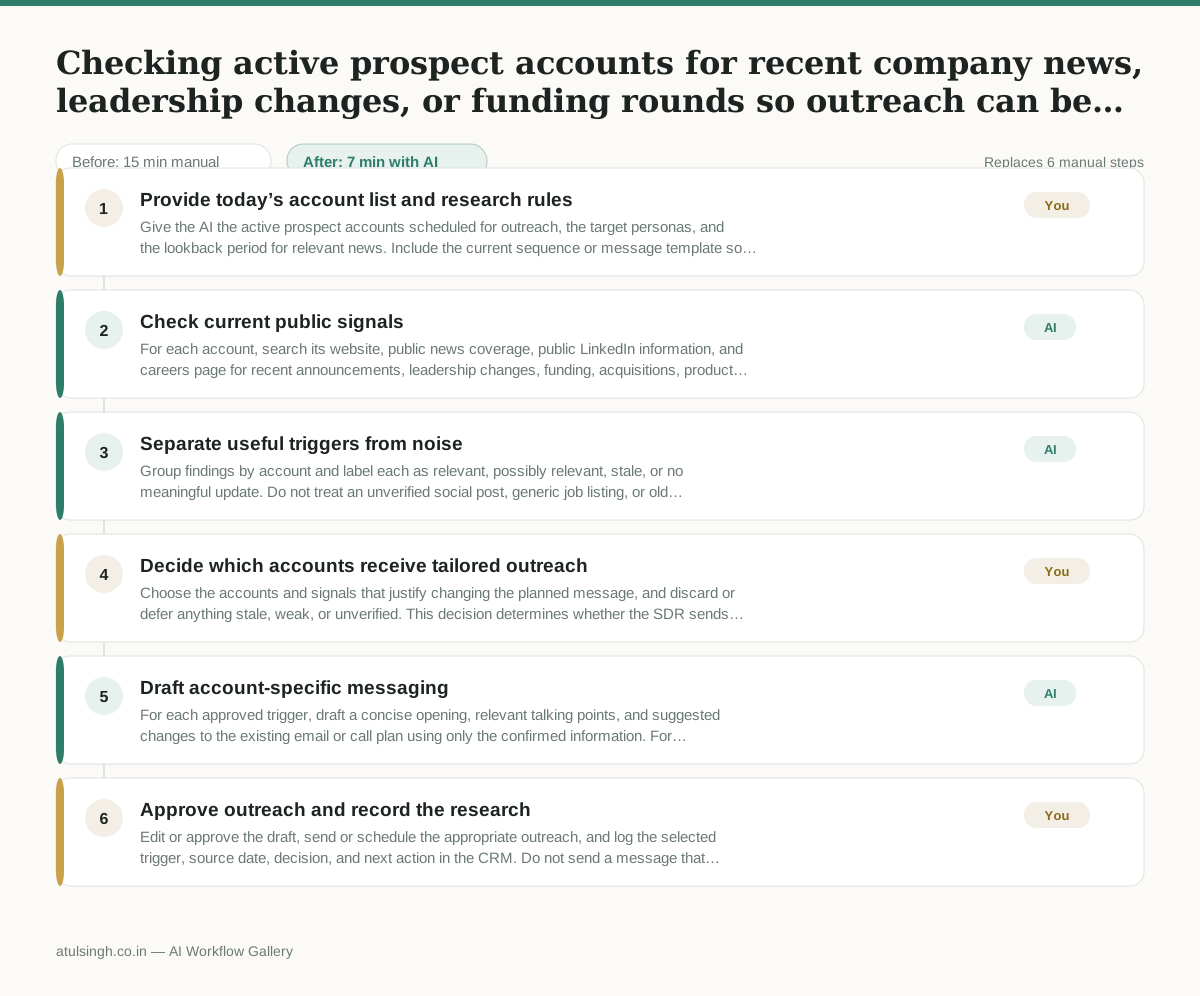
1. Provide today’s account list and research rules
Give the AI the active prospect accounts scheduled for outreach, the target personas, and the lookback period for relevant news. Include the current sequence or message template so proposed changes can be tied to the planned outreach.
- AI
2. Check current public signals
For each account, search its website, public news coverage, public LinkedIn information, and careers page for recent announcements, leadership changes, funding, acquisitions, product activity, or relevant hiring. Record the publication date, source name, and a concise description, while marking information that cannot be verified reliably.
- AI
3. Separate useful triggers from noise
Group findings by account and label each as relevant, possibly relevant, stale, or no meaningful update. Do not treat an unverified social post, generic job listing, or old article as a confirmed trigger.
- You
4. Decide which accounts receive tailored outreach
Choose the accounts and signals that justify changing the planned message, and discard or defer anything stale, weak, or unverified. This decision determines whether the SDR sends tailored outreach, uses the existing sequence, or pauses the account for more research.
- AI
5. Draft account-specific messaging
For each approved trigger, draft a concise opening, relevant talking points, and suggested changes to the existing email or call plan using only the confirmed information. For accounts without a useful trigger, state that the standard outreach should remain unchanged.
- You
6. Approve outreach and record the research
Edit or approve the draft, send or schedule the appropriate outreach, and log the selected trigger, source date, decision, and next action in the CRM. Do not send a message that relies on a claim the AI marked as uncertain.
What you end up with
Where this falls apart
- The target company shares a common name with another organization, causing the model to pull irrelevant news or leadership changes and attribute them to the prospect.
- Key announcements are paywalled or restricted behind login-required portals, causing the model to miss recent funding rounds or executive appointments and report no updates exist.
More for SDR / BDR
- Researching target accounts for cold outreach by checking recent news and job postings to write a personalized first email
- Find specific triggers in a company annual report for a personalized pitch
- Mapping the buying committee for a target enterprise account before initial outreach
- Write a first-touch outbound email to a target account based on recent public signals like news, job postings, or social media activity
Also in sales
- Research an incoming company and its decision makers before a first sales meeting
- Prep for a B2B demo call by checking recent company news, job postings, and tech stack changes to build relevant questions.
- Reviewing a new sales rep's practice pitch against the team's call criteria before letting them talk to real prospects
- reaching out to former colleagues and personal contacts to announce a new company or product launch without sounding like a spammy marketer