
mapping messy customer onboarding notes into our CRM and project management board
When the person who runs onboarding is out sick or leaves the company, important setup details get trapped in their personal notes, steps get skipped, and client handoffs stall out.
- Before
- 45 min
- After
- 20 min
- Saved
- 25 min
How this used to go
- Open the raw notes taken during the initial client kickoff call.
- Cross-reference the client's requested setup requirements against our standard implementation checklist.
- Manually type contact details, company size, and specific product configurations into the CRM.
- Create separate task cards in the project management board for each implementation milestone.
- Send a summary email to the internal account team outlining what was discussed.
Copying and pasting data across different tabs while trying to decode shorthand notes taken during a fast-moving client call.
The workflow, step by step
- AI
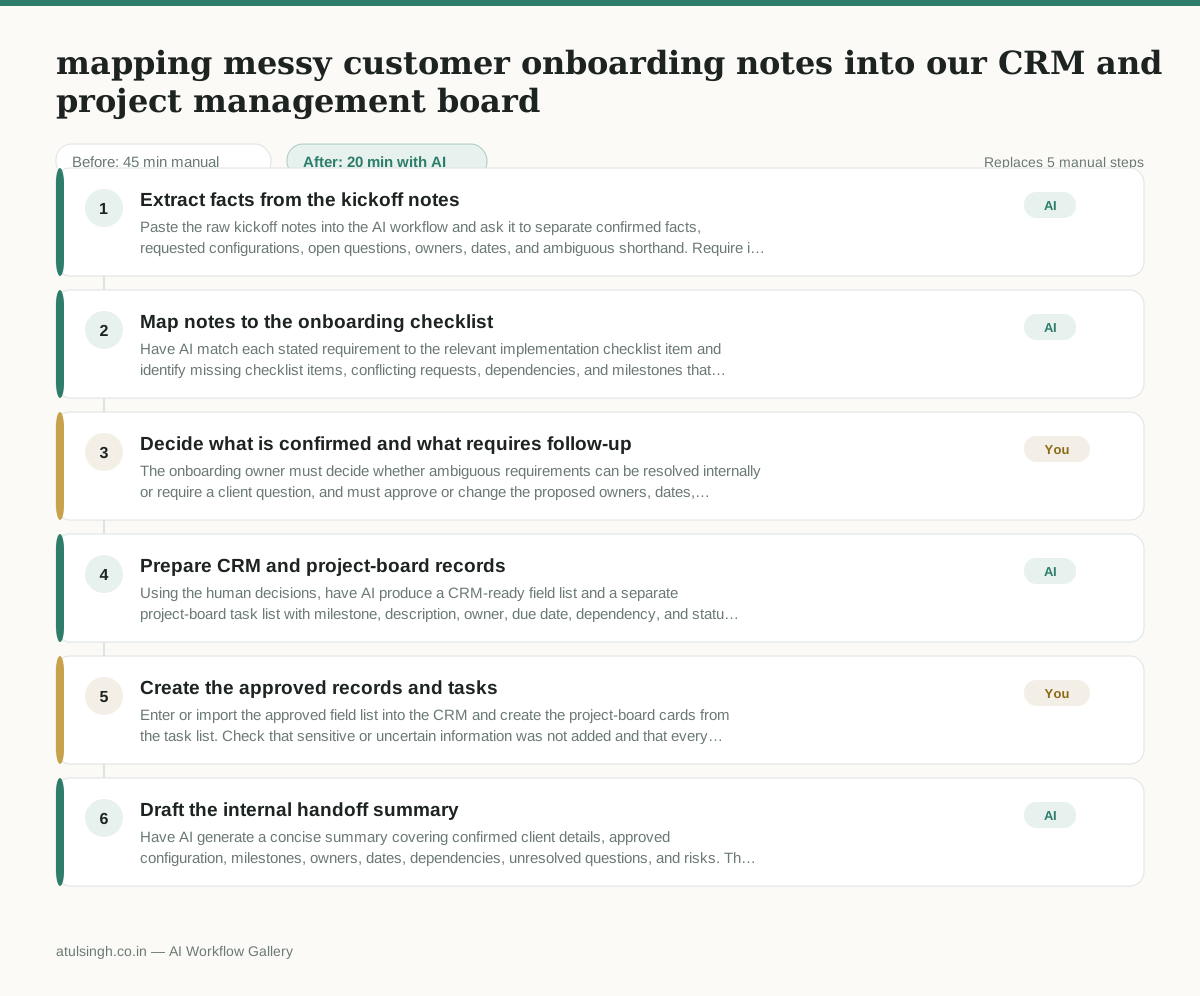
1. Extract facts from the kickoff notes
Paste the raw kickoff notes into the AI workflow and ask it to separate confirmed facts, requested configurations, open questions, owners, dates, and ambiguous shorthand. Require it to mark anything it cannot interpret rather than filling in missing details.
- AI
2. Map notes to the onboarding checklist
Have AI match each stated requirement to the relevant implementation checklist item and identify missing checklist items, conflicting requests, dependencies, and milestones that need an owner or due date.
- You
3. Decide what is confirmed and what requires follow-up
The onboarding owner must decide whether ambiguous requirements can be resolved internally or require a client question, and must approve or change the proposed owners, dates, configurations, and milestone sequence. Do not enter unconfirmed details into the CRM or commit them to the project plan.
- AI
4. Prepare CRM and project-board records
Using the human decisions, have AI produce a CRM-ready field list and a separate project-board task list with milestone, description, owner, due date, dependency, and status for each approved item. Keep unresolved questions in a clearly labeled follow-up section.
- You
5. Create the approved records and tasks
Enter or import the approved field list into the CRM and create the project-board cards from the task list. Check that sensitive or uncertain information was not added and that every required milestone has an owner and next action.
- AI
6. Draft the internal handoff summary
Have AI generate a concise summary covering confirmed client details, approved configuration, milestones, owners, dates, dependencies, unresolved questions, and risks. The human account owner sends it to the internal team after checking that it matches the records.
What you end up with
Where this falls apart
- The kickoff notes contain dense shorthand or acronyms unique to the client's internal operations, causing the AI to hallucinate incorrect product configurations and populate the CRM with false requirements.
- Key implementation dependencies or conflicting client requests are omitted from the initial notes, causing the AI to assign contradictory due dates and milestones that break the project management board sequence.
More for Operations Manager
- Turn a recurring cross-team problem into a documented handoff
- finding out which team is dropping the ball on customer handoffs
- Checking monthly expense reports for unusual jumps in supply costs before sending them to finance
- documenting a manual operations process and mapping undocumented steps before rolling it out to the team
Also in revops
- Find and merge duplicate contacts and companies, and flag stale deals before the monthly pipeline review
- clean up a messy CRM export and build a forecast the sales leader will actually trust for the board meeting
- Document the sales process so a new sales rep can follow it without constantly asking questions
- Find and merge duplicate CRM records before the pipeline review