
clean up a messy CRM export and build a forecast the sales leader will actually trust for the board meeting
Sales reps leave required fields blank, update deal stages inconsistently, and push close dates to the last day of the quarter without updating notes, which makes raw CRM data useless for predicting revenue.
- Before
- 120 min
- After
- 75 min
- Saved
- 45 min
How this used to go
- Export the active pipeline report from the CRM into a spreadsheet.
- Filter out deals with past close dates that reps forgot to push.
- Cross-reference notes and Slack messages to check if deals set to close this month are actually moving.
- Manually adjust close dates and probabilities based on gut feel and recent manager check-ins.
- Pivot the cleaned data by rep and stage to calculate the expected weighted forecast.
- Copy and paste the final numbers into a slide deck for the sales leader's review.
Arguing with sales managers about whose deals are real and whose are wishful thinking, while manually fixing date formats and blank fields row by row.
The workflow, step by step
- You
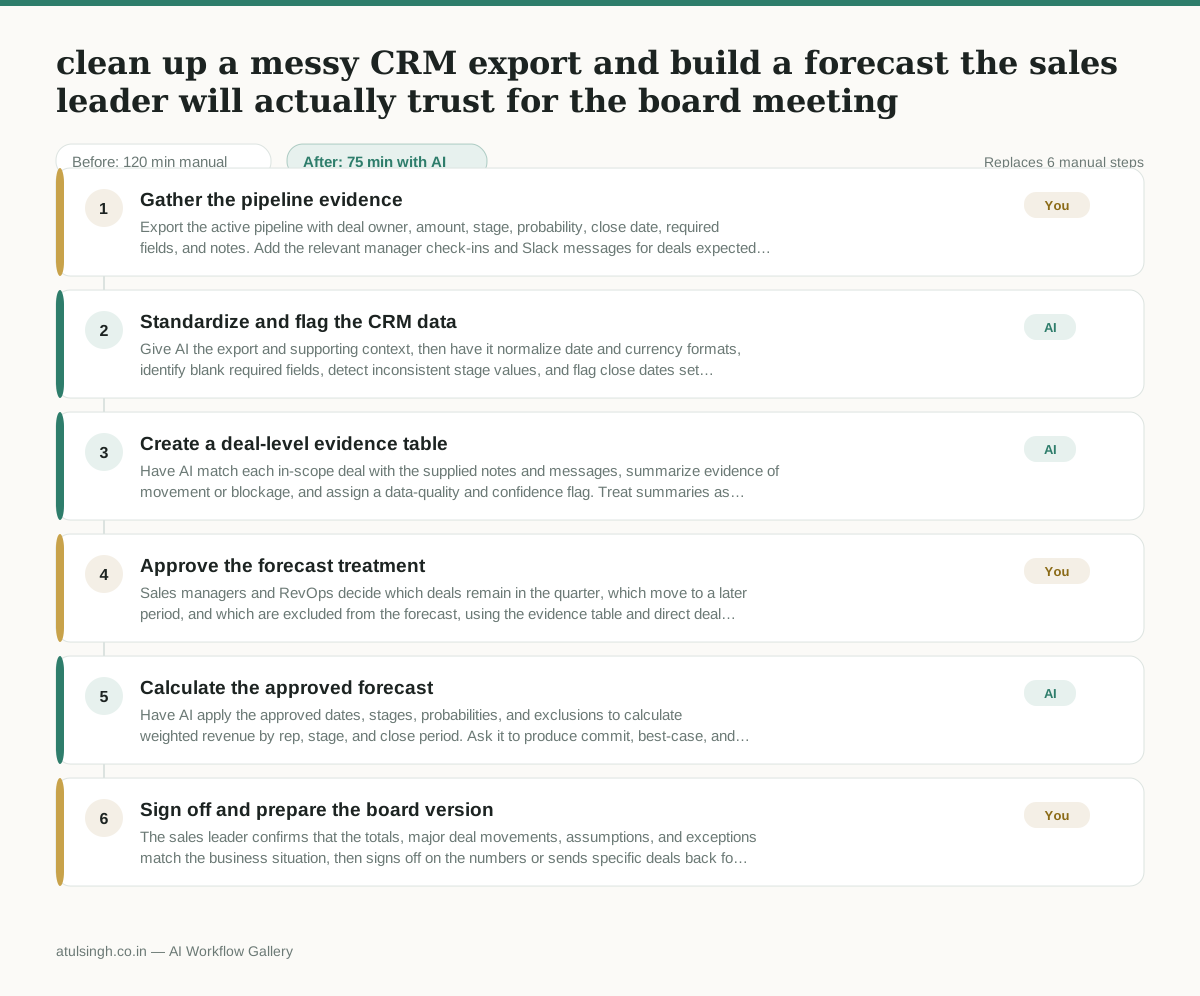
1. Gather the pipeline evidence
Export the active pipeline with deal owner, amount, stage, probability, close date, required fields, and notes. Add the relevant manager check-ins and Slack messages for deals expected to close this quarter; AI cannot retrieve or verify private context that you do not provide.
- AI
2. Standardize and flag the CRM data
Give AI the export and supporting context, then have it normalize date and currency formats, identify blank required fields, detect inconsistent stage values, and flag close dates set to the quarter's final day. It should preserve the original values and label uncertainty rather than inventing missing information.
- AI
3. Create a deal-level evidence table
Have AI match each in-scope deal with the supplied notes and messages, summarize evidence of movement or blockage, and assign a data-quality and confidence flag. Treat summaries as decision support: AI cannot reliably determine whether a rep's forecast is true without current human confirmation.
- You
4. Approve the forecast treatment
Sales managers and RevOps decide which deals remain in the quarter, which move to a later period, and which are excluded from the forecast, using the evidence table and direct deal knowledge. They also approve the stage and probability policy that will determine the board forecast; these choices change the reported revenue and remain human-owned.
- AI
5. Calculate the approved forecast
Have AI apply the approved dates, stages, probabilities, and exclusions to calculate weighted revenue by rep, stage, and close period. Ask it to produce commit, best-case, and excluded or at-risk views where the approved rules support them, while retaining an audit column showing the source and change for every adjusted deal.
- You
6. Sign off and prepare the board version
The sales leader confirms that the totals, major deal movements, assumptions, and exceptions match the business situation, then signs off on the numbers or sends specific deals back for correction. Use the approved summary and tables in the board slide deck rather than copying unverified raw CRM totals.
What you end up with
Where this falls apart
- Deals lack supporting context such as Slack messages or notes, causing the model to misinterpret stalled pipeline as active revenue.
- Sales reps use inconsistent terminology across notes, leading the model to misread deal risk and assign incorrect confidence flags.
More for RevOps / Sales Ops
- Find and merge duplicate contacts and companies, and flag stale deals before the monthly pipeline review
- Document the sales process so a new sales rep can follow it without constantly asking questions
- Find and merge duplicate CRM records before the pipeline review
- Turn a raw CRM export into a sales forecast, flagging missing close dates before reporting
Also in revops
- Turn a recurring cross-team problem into a documented handoff
- mapping messy customer onboarding notes into our CRM and project management board
- finding out which team is dropping the ball on customer handoffs
- Checking monthly expense reports for unusual jumps in supply costs before sending them to finance