
Checking monthly expense reports for unusual jumps in supply costs before sending them to finance
By the time manual line-by-line checks catch price spikes or duplicate orders, the expense period has closed and finance has already approved the totals.
- Before
- 120 min
- After
- 35 min
- Saved
- 85 min
How this used to go
- Export the monthly general ledger and credit card statement lines into a spreadsheet.
- Filter line items by vendor categories related to office supplies and equipment.
- Compare each line item against the previous month's unit costs and historical averages.
- Flag any line items that exceed a standard percentage variance threshold.
- Cross-reference flagged items against internal purchase orders or email receipts to confirm legitimacy.
- Compile a summary list of unresolved anomalies and email the department heads for explanation.
Manually cross-referencing hundreds of line items against old invoices and purchase orders just to find a handful of price discrepancies.
The workflow, step by step
- AI
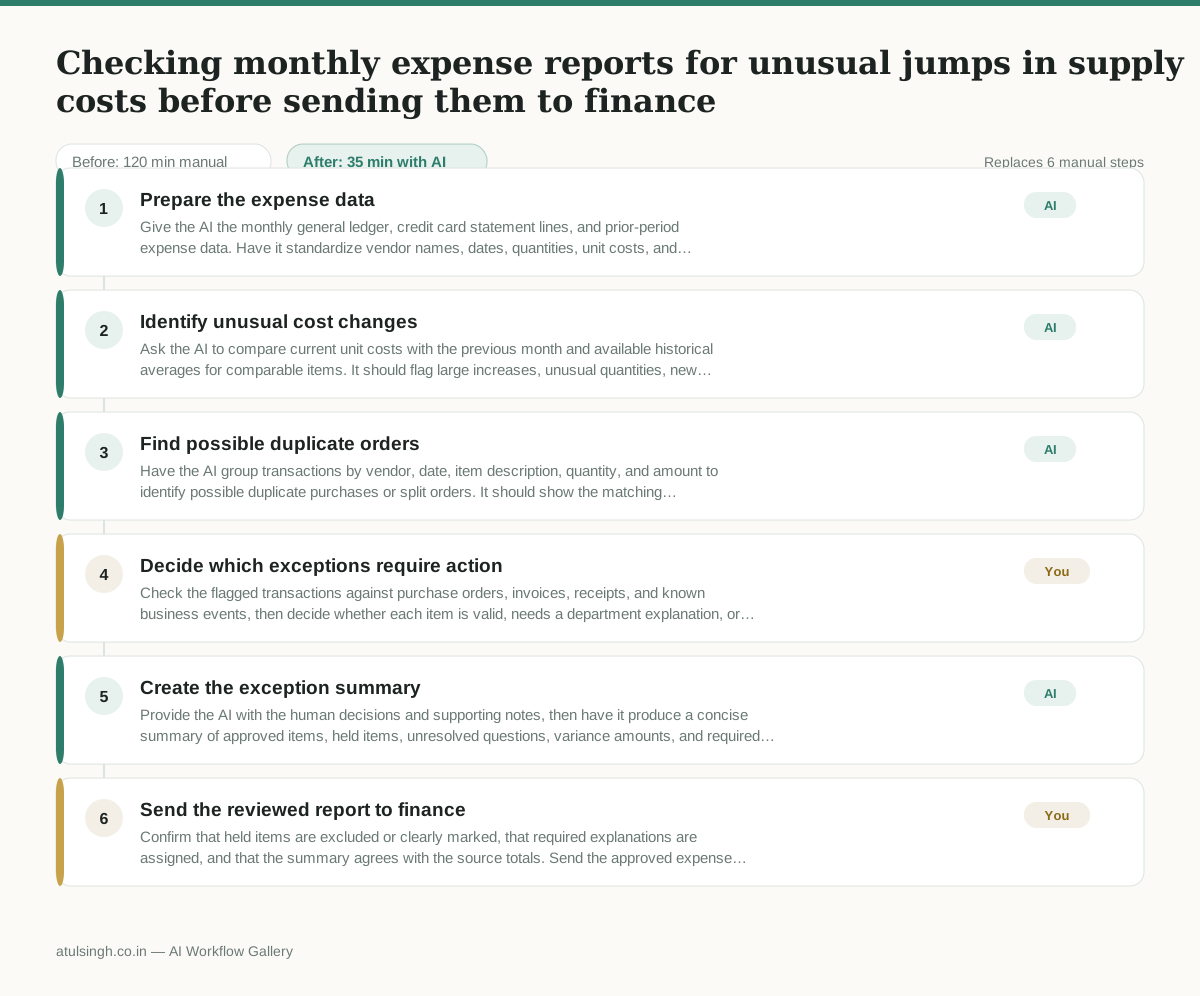
1. Prepare the expense data
Give the AI the monthly general ledger, credit card statement lines, and prior-period expense data. Have it standardize vendor names, dates, quantities, unit costs, and categories while preserving the original transaction references.
- AI
2. Identify unusual cost changes
Ask the AI to compare current unit costs with the previous month and available historical averages for comparable items. It should flag large increases, unusual quantities, new vendors, and transactions that cannot be compared reliably.
- AI
3. Find possible duplicate orders
Have the AI group transactions by vendor, date, item description, quantity, and amount to identify possible duplicate purchases or split orders. It should show the matching transaction references and explain why each group was flagged, without treating a match as proof of an error.
- You
4. Decide which exceptions require action
Check the flagged transactions against purchase orders, invoices, receipts, and known business events, then decide whether each item is valid, needs a department explanation, or should be held from finance. This decision determines whether the expense is sent forward, corrected, or escalated.
- AI
5. Create the exception summary
Provide the AI with the human decisions and supporting notes, then have it produce a concise summary of approved items, held items, unresolved questions, variance amounts, and required follow-ups. Require it to retain links or references to the underlying transactions and clearly label any unresolved evidence.
- You
6. Send the reviewed report to finance
Confirm that held items are excluded or clearly marked, that required explanations are assigned, and that the summary agrees with the source totals. Send the approved expense report and exception summary to finance, retaining the evidence for any items that were corrected or escalated.
What you end up with
Where this falls apart
- Vendor names are abbreviated, misspelled, or changed inconsistently across billing periods, causing the AI to miss historical price variances and duplicate orders.
- Invoices use vague item descriptions like "office supplies" or SKU numbers without readable text, preventing the AI from comparing unit costs accurately.
More for Operations Manager
- Turn a recurring cross-team problem into a documented handoff
- mapping messy customer onboarding notes into our CRM and project management board
- finding out which team is dropping the ball on customer handoffs
- documenting a manual operations process and mapping undocumented steps before rolling it out to the team
Also in revops
- Find and merge duplicate contacts and companies, and flag stale deals before the monthly pipeline review
- clean up a messy CRM export and build a forecast the sales leader will actually trust for the board meeting
- Document the sales process so a new sales rep can follow it without constantly asking questions
- Find and merge duplicate CRM records before the pipeline review