
Checking an email campaign for broken links, typos, and merge-tag errors before sending it out.
Manual QA is tedious and prone to fatigue. Reviewers often miss subtle errors like broken tracking parameters, incorrect first-name fields, or rendering issues on mobile screens because they are reading the same text for the tenth time.
- Before
- 30 min
- After
- 12 min
- Saved
- 18 min
How this used to go
- Open the email draft in the sending platform.
- Click through every hyperlink to verify the URL and tracking parameters load the correct landing page.
- Send a test email to yourself and check it on both a desktop email client and a mobile phone.
- Check all personalization tokens (like first name or company) by previewing multiple contact records.
- Read through the entire body copy line-by-line to catch spelling errors or awkward phrasing.
- Verify that unsubscribe links and legal footers are present and functional.
Checking every link and personalization tag manually, knowing that missing a single broken URL means sending a flawed campaign to the entire database.
The workflow, step by step
- You
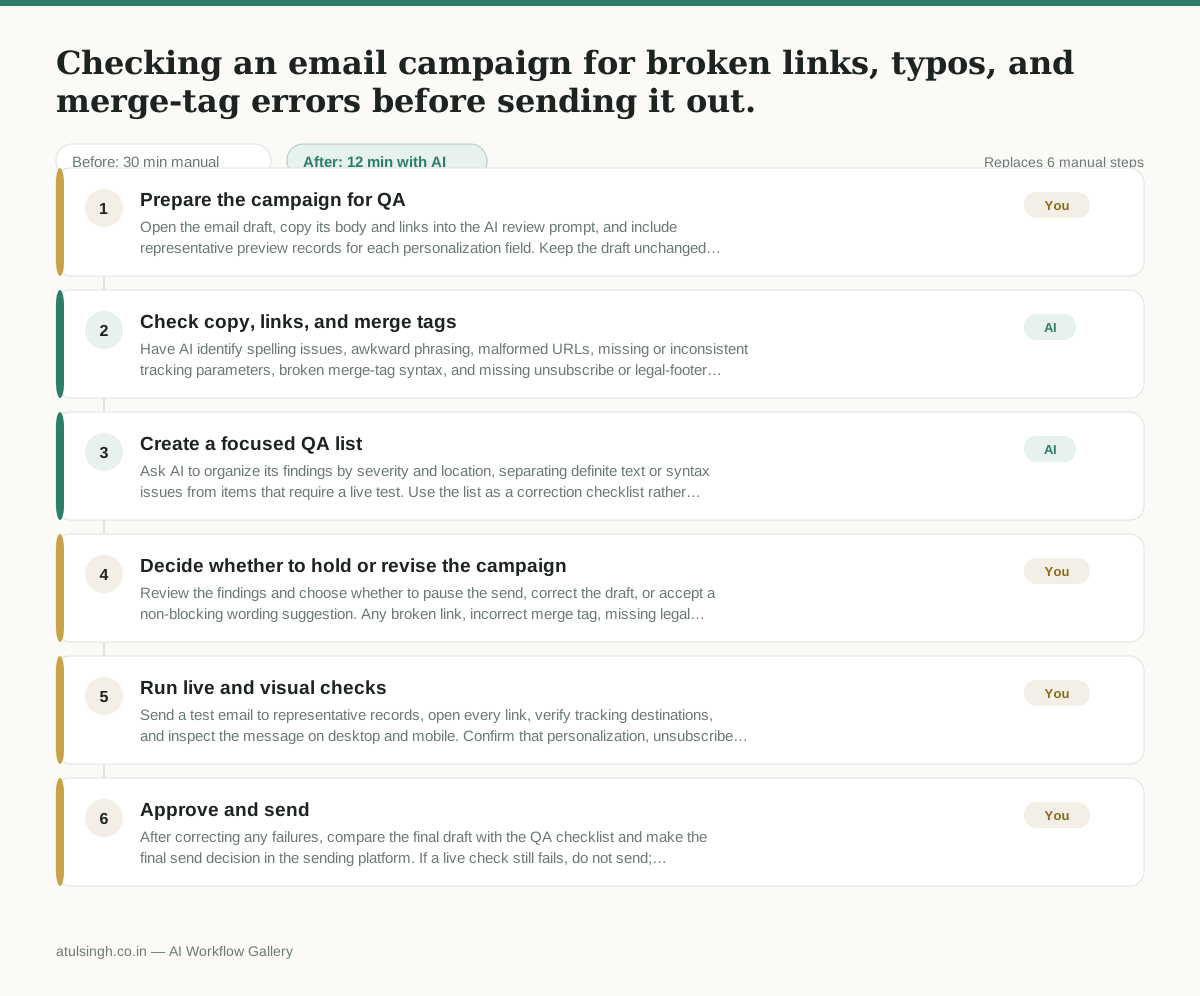
1. Prepare the campaign for QA
Open the email draft, copy its body and links into the AI review prompt, and include representative preview records for each personalization field. Keep the draft unchanged while the checks run.
- AI
2. Check copy, links, and merge tags
Have AI identify spelling issues, awkward phrasing, malformed URLs, missing or inconsistent tracking parameters, broken merge-tag syntax, and missing unsubscribe or legal-footer elements. AI can flag likely problems from the supplied content, but it cannot reliably prove that every destination loads or that the message renders correctly in every email client.
- AI
3. Create a focused QA list
Ask AI to organize its findings by severity and location, separating definite text or syntax issues from items that require a live test. Use the list as a correction checklist rather than treating every flag as confirmed.
- You
4. Decide whether to hold or revise the campaign
Review the findings and choose whether to pause the send, correct the draft, or accept a non-blocking wording suggestion. Any broken link, incorrect merge tag, missing legal element, or unresolved high-risk issue means the campaign stays on hold until corrected.
- You
5. Run live and visual checks
Send a test email to representative records, open every link, verify tracking destinations, and inspect the message on desktop and mobile. Confirm that personalization, unsubscribe behavior, legal footers, spacing, and key calls to action work as intended.
- You
6. Approve and send
After correcting any failures, compare the final draft with the QA checklist and make the final send decision in the sending platform. If a live check still fails, do not send; return the draft for correction and repeat the relevant checks.
What you end up with
Where this falls apart
- The input text omits the merge-tag syntax definitions, which causes the AI to miss invalid field names that break personalization upon send.
- The campaign relies on complex conditional logic or dynamic content blocks, which causes the AI to evaluate static text instead of the actual rendered variations.
More for Marketing Manager
- Write a campaign brief that the agency and the internal design team can both use without contradictory instructions
- Check every lead capture form on the website to make sure submissions reach the right sales reps before launching a new advertising campaign.
- Checking multiple promotional calendars across email, social, and paid ads to make sure campaigns do not overlap or contradict each other before the holiday sales push.
- Reviewing external market research reports and flagging unverified claims before presenting findings to the board.
Also in marketing
- Turn a recorded customer interview into a draft blog post
- Sorting incoming customer leads from web forms and assigning them to the right sales reps based on company size and location
- Turn a technical whitepaper into a three-part email nurture sequence before it launches
- Analyze competitor viral posts to draft three trend hooks, discarding off-brand angles