
Turn a webinar transcript into a downloadable PDF guide and flag confusing sections for the team before sending it to design.
Transcripts read like spoken conversations with missing context, rambling sentences, and unclear transitions, making them painful to turn into structured reading material without heavy manual rewriting.
- Before
- 180 min
- After
- 100 min
- Saved
- 80 min
How this used to go
- Read through the entire raw transcript to identify main themes and logical sections.
- Cut out filler words, false starts, and off-topic tangents from the text.
- Rewrite spoken conversational sentences into clear written paragraphs and headings.
- Review the drafted sections to spot unclear explanations, missing definitions, or logical gaps.
- Format the cleaned text into a document layout and add notes for the designer.
Staring at a massive block of spoken text trying to figure out where arguments fall apart or where context is missing, while rewriting it all by hand.
The workflow, step by step
- You
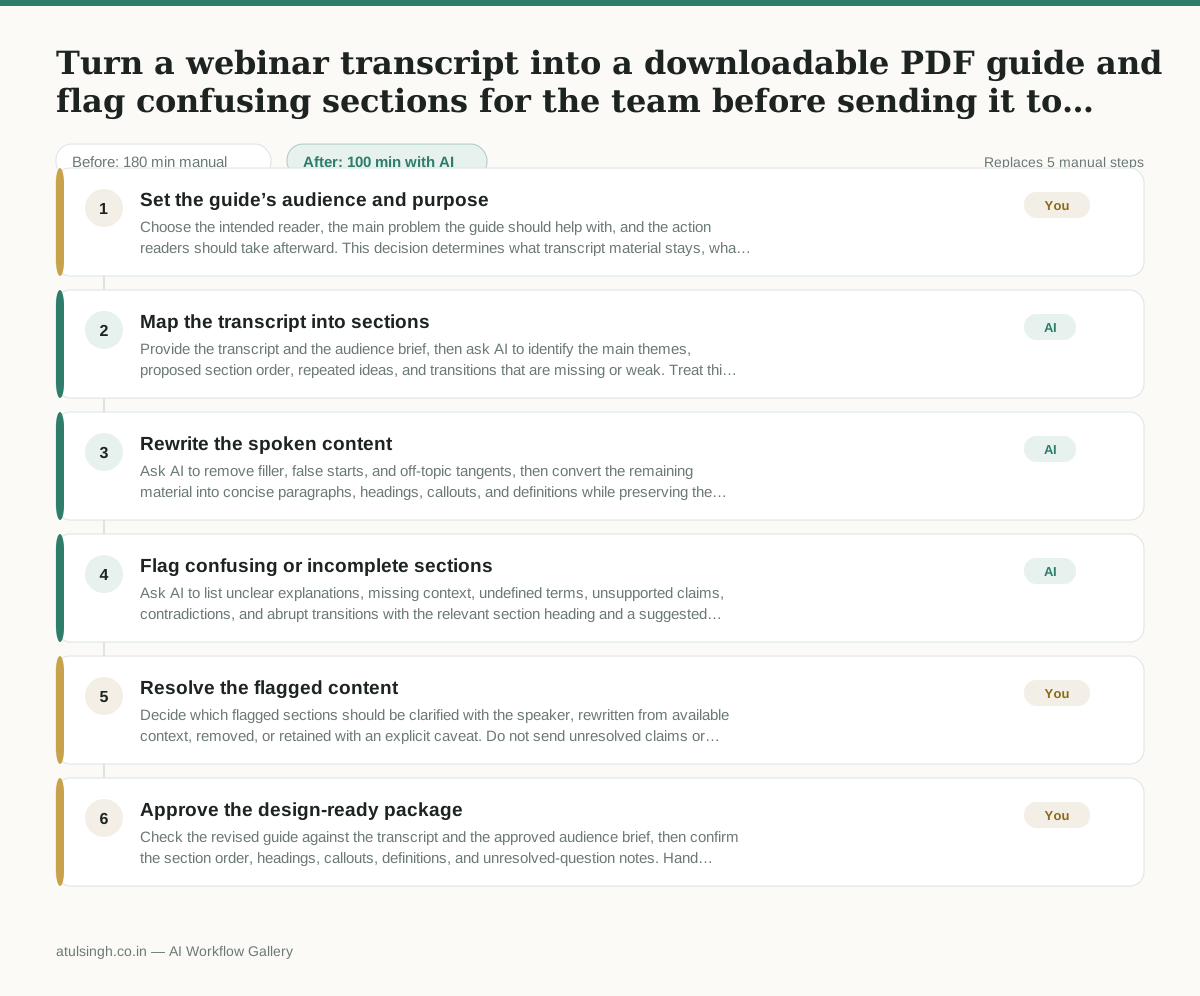
1. Set the guide’s audience and purpose
Choose the intended reader, the main problem the guide should help with, and the action readers should take afterward. This decision determines what transcript material stays, what gets shortened, and what belongs in an appendix or notes.
- AI
2. Map the transcript into sections
Provide the transcript and the audience brief, then ask AI to identify the main themes, proposed section order, repeated ideas, and transitions that are missing or weak. Treat this as an outline, not as a reliable interpretation of technical or specialized claims.
- AI
3. Rewrite the spoken content
Ask AI to remove filler, false starts, and off-topic tangents, then convert the remaining material into concise paragraphs, headings, callouts, and definitions while preserving the speaker’s meaning. Require it to mark statements that need fact-checking instead of presenting uncertain wording as fact.
- AI
4. Flag confusing or incomplete sections
Ask AI to list unclear explanations, missing context, undefined terms, unsupported claims, contradictions, and abrupt transitions with the relevant section heading and a suggested question for the team. AI can identify likely trouble spots, but it cannot reliably determine the speaker’s intended meaning when the transcript is ambiguous.
- You
5. Resolve the flagged content
Decide which flagged sections should be clarified with the speaker, rewritten from available context, removed, or retained with an explicit caveat. Do not send unresolved claims or invented context to design; this decision controls the guide’s accuracy and scope.
- You
6. Approve the design-ready package
Check the revised guide against the transcript and the approved audience brief, then confirm the section order, headings, callouts, definitions, and unresolved-question notes. Hand design the approved copy together with layout instructions and the final list of issues that must not be overlooked.
What you end up with
Where this falls apart
- The webinar relies heavily on unlabelled visual demonstrations or slide content that was not spoken aloud, which causes the model to miss crucial context and output a guide missing core points.
- The transcript contains overlapping speakers or untagged multiple participants, which causes the model to attribute statements to the wrong person and mix up contradictory arguments.
More for Content Marketer
- Turn a recorded customer interview into a draft blog post
- Sorting incoming customer leads from web forms and assigning them to the right sales reps based on company size and location
- Turn a technical whitepaper into a three-part email nurture sequence before it launches
- Reviewing an existing ranking article, checking every claim and figure against current source data, and identifying outdated statements before republication
Also in marketing
- Analyze competitor viral posts to draft three trend hooks, discarding off-brand angles
- pitching influencers and checking their engagement before sending messages
- Write and test five ad variants for one campaign from a single landing page
- Pulling the weekly paid channel report and explaining what actually drove the performance changes