
build a custom competitor battlecard for an upcoming prospect demo based on their specific stated concerns
By the time an account executive pieces together recent competitor feature releases, pricing changes, and customer complaints from scattered notes and internal chat channels, the demo is starting and the information is often outdated or incomplete.
- Before
- 45 min
- After
- 20 min
- Saved
- 25 min
How this used to go
- Review the prospect's discovery notes and identify which competitor they mentioned or currently use.
- Search internal Slack or Teams channels for recent discussions, win/loss notes, or battlecards related to that specific competitor.
- Open the competitor's public pricing page and recent product release notes to check for updates.
- Scan review sites like G2 or Capterra for recent complaints about the competitor's missing features or support issues.
- Synthesize the findings into a quick reference doc or slide to have open during the demo.
Wasting valuable prep time digging through scattered internal messages and outdated wikis instead of focusing on the prospect's actual workflow.
The workflow, step by step
- You
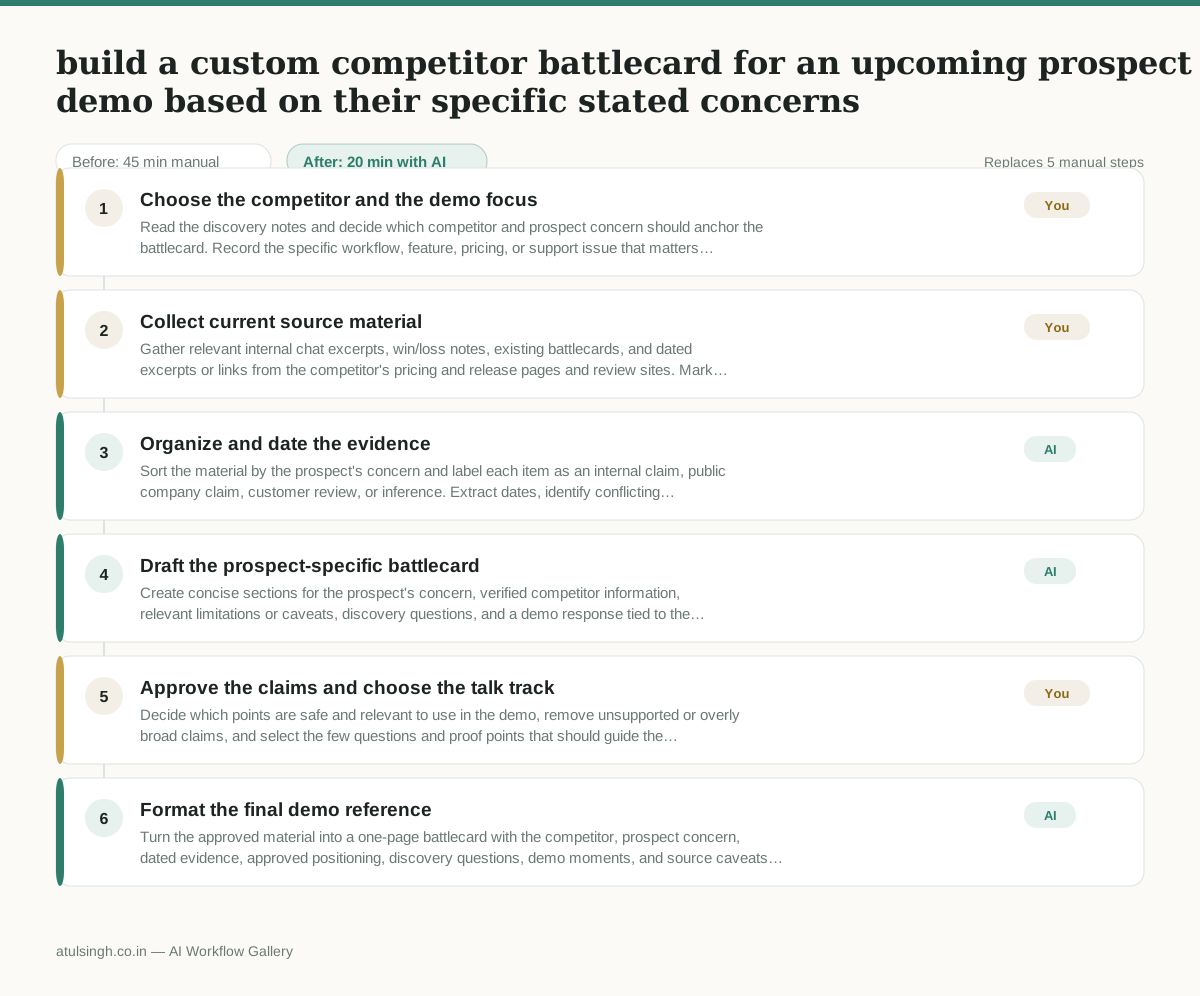
1. Choose the competitor and the demo focus
Read the discovery notes and decide which competitor and prospect concern should anchor the battlecard. Record the specific workflow, feature, pricing, or support issue that matters most; this choice determines what evidence is relevant.
- You
2. Collect current source material
Gather relevant internal chat excerpts, win/loss notes, existing battlecards, and dated excerpts or links from the competitor's pricing and release pages and review sites. Mark anything you could not verify or that may be outdated before giving it to AI.
- AI
3. Organize and date the evidence
Sort the material by the prospect's concern and label each item as an internal claim, public company claim, customer review, or inference. Extract dates, identify conflicting statements, and flag gaps instead of presenting unverified complaints or old pricing as facts.
- AI
4. Draft the prospect-specific battlecard
Create concise sections for the prospect's concern, verified competitor information, relevant limitations or caveats, discovery questions, and a demo response tied to the prospect's workflow. Keep source claims, internal beliefs, customer allegations, and AI inferences visibly separate.
- You
5. Approve the claims and choose the talk track
Decide which points are safe and relevant to use in the demo, remove unsupported or overly broad claims, and select the few questions and proof points that should guide the conversation. This decision controls what the account executive says about the competitor and what remains internal-only.
- AI
6. Format the final demo reference
Turn the approved material into a one-page battlecard with the competitor, prospect concern, dated evidence, approved positioning, discovery questions, demo moments, and source caveats. Put unverified or stale items in a separate watchlist rather than the main talk track.
What you end up with
Where this falls apart
- The input material contains outdated pricing or unverified feature claims that the AI treats as current facts, causing the account executive to misinform the prospect during the demo.
- The discovery notes lack specific competitor details, resulting in generic talking points that fail to address the prospect's actual workflow concerns.
More for Account Executive
- Prep for a B2B demo call by checking recent company news, job postings, and tech stack changes to build relevant questions.
- Reviving deals that went quiet after sending a proposal by finding matching case studies and writing a follow-up message.
- Reviewing discovery call notes before booking a software demo to check if the prospect has a real budget, a hard timeline, and actual authority to buy.
- Tailor the demo pitch to different stakeholders based on company research and discovery notes
Also in sales
- Research an incoming company and its decision makers before a first sales meeting
- Reviewing a new sales rep's practice pitch against the team's call criteria before letting them talk to real prospects
- reaching out to former colleagues and personal contacts to announce a new company or product launch without sounding like a spammy marketer
- Turn raw discovery call notes into a structured pilot proposal for a new client