
Responding to every new lead within five minutes requires more than asking a salesperson to check the CRM more often. You need one workflow that captures leads from forms, email, WhatsApp and calls, identifies the right owner, sends a useful first reply and alerts a human to take over.
Start by defining the five-minute service level, then remove the delays between submission, routing and first contact. Use automation for capture, enrichment, duplicate checks and notifications. Keep judgement with a person when the lead has a complex need, an existing account, a sensitive issue or meaningful commercial value.
The short answer: build a five-minute chain
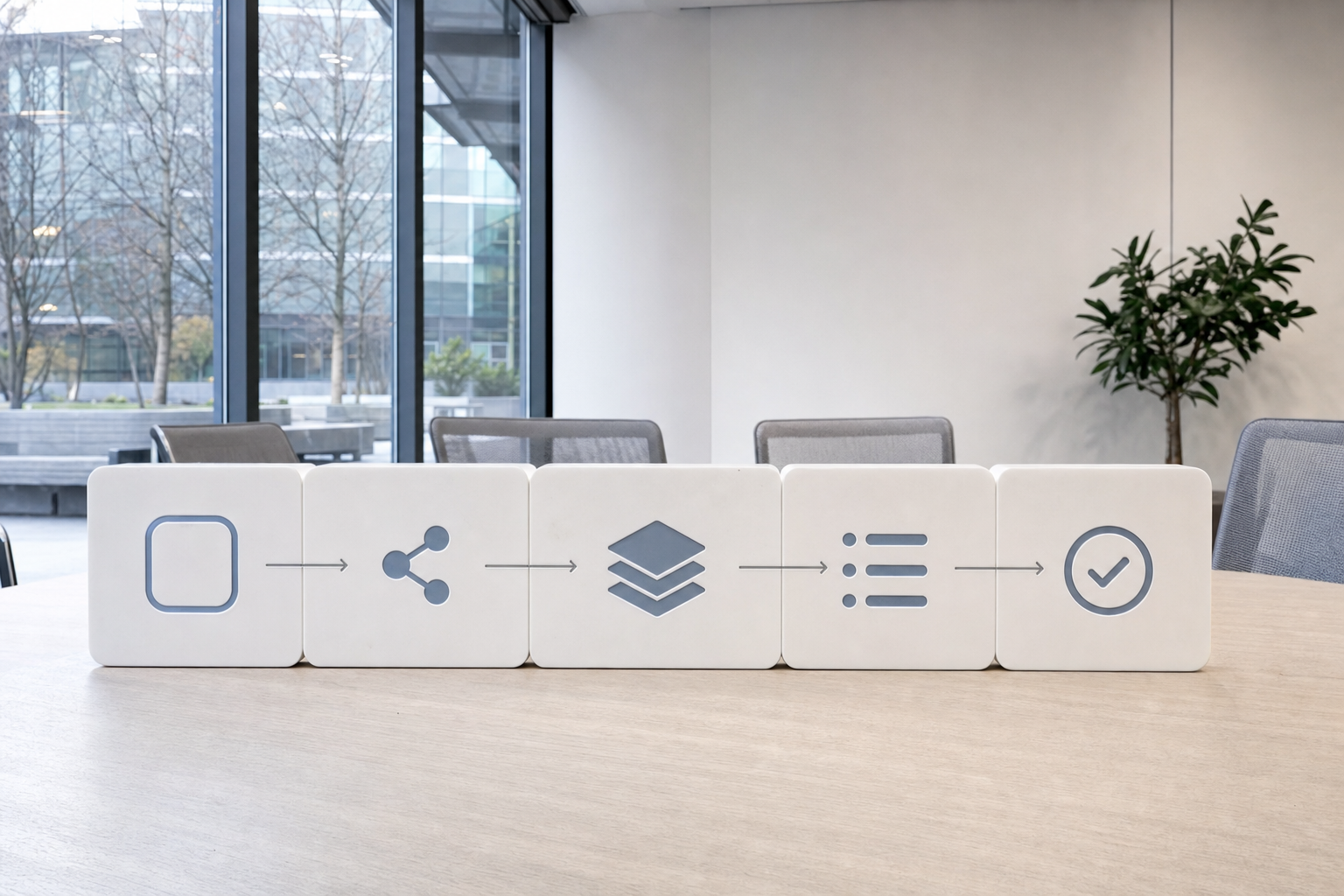
A reliable speed-to-lead system has five connected parts:
- Capture: collect every inbound lead from website forms, shared inboxes, WhatsApp, call records and other agreed channels.
- Identify: check the lead's basic details, source, territory, company size and existing account status.
- Route: match the lead to the right team, account owner or round-robin queue.
- Reply: send a channel-appropriate acknowledgement with the next useful step.
- Own: notify a named person who is responsible for the first genuine conversation.
The first automated reply should confirm receipt, show that the request has been understood and make it easy to continue. It can include a calendar link where appropriate, but it should also give the buyer a direct route to a person. A generic chatbot greeting rarely provides enough context for a serious buying conversation.
For calls, the workflow needs a slightly different entry point. A missed call should create a lead or task, attach the caller's number and source, and alert an owner. If the call is answered, the outcome should still be recorded so that follow-up does not depend on someone's memory.
Why the five-minute window matters
Lead intent changes quickly after someone submits a form or asks for information. A frequently cited analysis of the MIT Lead Response Management Study reports that contacting a lead within five minutes made a business 100 times more likely to make contact and 21 times more likely to qualify the lead than waiting 30 minutes (CaseyResponse, 2026). Treat those figures as directional evidence for prioritising speed, rather than as a promise about the result for every business.
The same pattern appears in the response-time gap across businesses. A study of 114 B2B companies reported that more than 99% did not respond within five minutes (Workato, 2026). Another industry summary puts average B2B response time at 42 hours (LeadResponse, 2026). Even if the exact average varies by market, slow handling creates a clear operational risk: the person who is ready to talk may move on before anyone replies.
Measure the delay in two parts. Processing time covers capture, enrichment, account matching, routing and assignment. Rep response time covers the period between assignment and the owner's first contact. Separating these measures shows whether the system is slow or the team is slow after receiving the alert (Oppora AI, 2026).
Map the workflow before choosing tools
Begin with a simple inventory of sources. List every place a new lead can appear, including website forms, landing pages, email addresses, WhatsApp numbers, phone calls, social messages and manual referrals. For each source, record where the data currently goes, who checks it and how a lead becomes someone's responsibility.
Then define the start and end points. The start might be a completed form, an inbound email, an opted-in WhatsApp message or a missed call. The first end point is a named owner and a recorded first response. A later end point can be a booked meeting, a qualified opportunity, a support handoff or a clear disqualification reason.
A useful map can be as simple as this:
| Stage | Required decision | System action | Human responsibility |
|---|---|---|---|
| New lead | Is the data usable? | Create one lead record and preserve the source | Fix missing or suspicious details |
| Match | Is there an existing account or contact? | Link to the account and prevent duplicate outreach | Confirm ownership where uncertain |
| Route | Which queue or person should receive it? | Apply territory, segment and round-robin rules | Take exceptions and strategic accounts |
| First reply | Which channel is appropriate? | Send a short, relevant acknowledgement | Continue the conversation |
| Escalation | Has the owner acted? | Remind, reassign or alert a team lead | Resolve the blocked case |
This map also exposes gaps that tools tend to hide. A form may create a CRM record but send no alert. An email may reach a shared inbox without a named owner. A WhatsApp message may receive an automated reply but never appear in the sales pipeline. A missed call may sit in a phone system with no follow-up task.
If after-hours enquiries are part of the problem, a separate after-hours chatbot lead capture workflow can collect context and set expectations until a person is available. It should feed the same ownership and follow-up process as daytime leads.
Route quickly, with enough information
Routing rules should use only the data needed to make a good first assignment. Useful fields might include territory, company size, product interest, lead source, existing account ownership and language. Avoid enriching every record with a large amount of data before assigning it. Extra research can happen after the first response when it genuinely improves the conversation.
Use a two-step routing pattern. First, capture the lead and enrich the critical routing fields. Second, search for an existing account or contact, then assign the lead to the account owner or the correct queue. If no existing owner applies, use a documented round-robin rule or a small segment-based queue (Oppora AI, 2026).
Every route needs an exception path. Send a lead to a team lead when the territory is unclear, the account already has an active opportunity, the request appears urgent or the value is outside the normal segment. A routing system that forces every case into a neat category will create quiet errors and duplicate outreach.
Ownership should be visible in one place. The record should show who owns the lead, when it arrived, when the first reply was sent and what happens next. If two people believe the other person is responsible, the system has failed even if the notification was delivered.
For a quick audit, use an inbound lead routing diagnostic to examine missing rules, delays and ownership gaps. The output should support a process review, not replace judgement about how accounts and relationships are managed.
Design the first reply for each channel
The first reply should be short, specific and easy to act on. Include the person's name where available, acknowledge what they asked about, state who will follow up and offer one next step. Avoid sending a long product explanation before the owner understands the enquiry.
For a website form, send an email from the assigned representative or the appropriate team address. Confirm the topic submitted, provide a realistic response expectation and include a booking link if a call is the natural next step. The CRM notification should reach the owner at the same time.
For inbound email, reply in the same thread where possible. Quote or summarise the request in one sentence so the recipient can see that the message was read. If the shared inbox uses automated acknowledgement, keep it functional and ensure it creates a task for a named owner.
For WhatsApp, respond only within the permissions and messaging rules that apply to the conversation. Meta's guidance requires clear opt-in for proactive WhatsApp messages, including the specific business name and the user's agreement to receive future communication (Meta for Developers, 2026). The message should identify the business, refer to the enquiry and offer a human route.
For calls, return a missed call promptly when the caller has provided permission and the number is suitable for contact. The call task should include the time of the missed call, source, any available context and the assigned owner. Do not let a fast automated text become a substitute for handling a caller who expects a conversation.
A first reply can be automated, but it should sound like a useful acknowledgement rather than a campaign. Automation can send the message within seconds, while the human owner follows up with context. This combines speed with accountability (Wylto, 2026).
Add escalation and daily control
A five-minute target needs a fallback for absence, meetings, holidays and technical failure. Set an alert when a new lead has no owner after a short period, another when the owner has not opened or acted on it, and a final escalation to a team lead. Keep the escalation path small enough that someone can realistically intervene.
Create a daily view showing unassigned leads, leads waiting for a first response, failed messages, missed calls and records with conflicting ownership. A workflow that checks incoming leads waiting longest can help a team find the cases most at risk before the day fills with meetings.
Review a small set of operational measures each week:
- Time from lead creation to assignment.
- Time from assignment to first human contact.
- Percentage of leads with a recorded owner.
- Percentage of leads receiving a first response within five minutes.
- Failed delivery, duplicate and reassignment counts.
- Qualification and meeting outcomes by source and response band.
Do not optimise the target by sending empty messages. A fast reply that creates confusion, duplicates an existing conversation or sends the wrong person into the account can reduce trust. Review message quality and handoff outcomes alongside speed.
Common mistakes and important limits
One inbox, no ownership. A shared mailbox can receive leads quickly while leaving responsibility vague. Add assignment, due times and an escalation rule.
A chatbot handles everything. Bots can collect basic context and answer routine questions, but complex requirements, pricing judgement and sensitive situations need a person. Use a chatbot as one entry point into the workflow, with a clear handoff.
Every channel gets the same message. Email, WhatsApp and calls have different expectations. Reuse the core acknowledgement, then adapt the length, tone and call to action.
Routing waits for perfect data. If enrichment takes too long, the buyer waits while the system researches them. Route with the minimum useful fields, then improve the record after ownership is established.
Compliance is added later. Automated calls and text messages carry consent rules that differ by country and change over time. Record what each person agreed to receive, keep that record with the lead, and have the relevant legal or compliance owner review the process before automated messages go live.
No failure testing. Test duplicate submissions, missing phone numbers, existing accounts, out-of-hours enquiries, bounced email, unavailable owners and an outage in the automation platform. A workflow earns trust when the team knows what happens when a normal path breaks.
Where to start on Monday
Choose one high-volume inbound source and build the smallest complete loop. Capture the lead, create or update one record, assign an owner, send a suitable first reply, create a follow-up task and escalate when the task is ignored. Once that path works, add the next channel without changing the ownership principles.
Write the rules in plain language before configuring anything. For example: “Website enquiries for existing accounts go to the account owner. New enquiries in the domestic market go to the available sales queue. Unclear cases go to the sales lead.” This makes the workflow easier to test, explain and maintain.
Run a set of hypothetical test cases before launch. Include a new prospect, an existing account, a duplicate form, a WhatsApp enquiry without the required opt-in, a missed call, an after-hours form and an unavailable owner. Record the expected route, reply and escalation for each case.
A small business does not need a large automation estate to improve speed to lead. It needs clear entry points, sensible routing, a useful first reply, visible ownership and a team that can operate the system without its builder. For a done-for-you review and build of this kind of workflow, the AI workflow review call is the appropriate next step.