
Auditing software seat usage and removing inactive users before annual contract renewals
Companies pay for user licenses assigned to former employees or staff who no longer use the software, leading to wasted budget during automatic annual renewals because nobody checked the active usage lists beforehand.
- Before
- 120 min
- After
- 55 min
- Saved
- 65 min
How this used to go
- Export the current user list and last login date from the admin settings of each software platform.
- Pull the active employee roster from the HR system or payroll software.
- Cross-reference the software user list against the active employee roster in a spreadsheet to identify departed staff still holding active licenses.
- Email department managers to verify whether specific individuals who show zero recent logins still require access.
- Log into each platform individually to deactivate confirmed inactive accounts and adjust the seat count for the upcoming renewal.
- Calculate the total cost reduction and send the updated license count to the finance team and software vendor account manager.
Cross-referencing multiple disparate user exports against internal staff rosters and chasing department managers for login verifications by email.
The workflow, step by step
- You
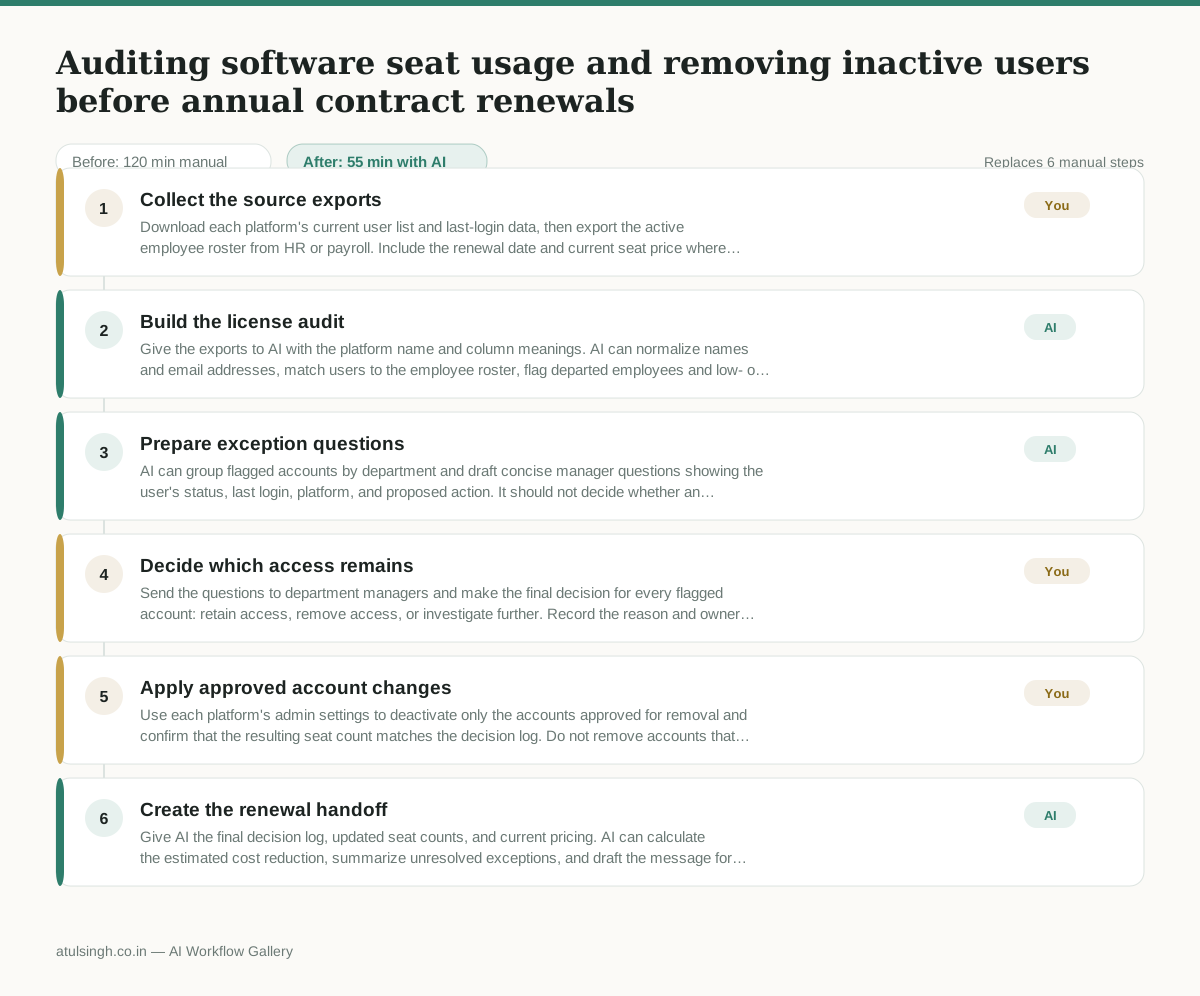
1. Collect the source exports
Download each platform's current user list and last-login data, then export the active employee roster from HR or payroll. Include the renewal date and current seat price where available.
- AI
2. Build the license audit
Give the exports to AI with the platform name and column meanings. AI can normalize names and email addresses, match users to the employee roster, flag departed employees and low- or zero-login accounts, and identify records it cannot match reliably.
- AI
3. Prepare exception questions
AI can group flagged accounts by department and draft concise manager questions showing the user's status, last login, platform, and proposed action. It should not decide whether an account with a business exception can be removed.
- You
4. Decide which access remains
Send the questions to department managers and make the final decision for every flagged account: retain access, remove access, or investigate further. Record the reason and owner for retained or unresolved accounts because this determines the renewal seat count.
- You
5. Apply approved account changes
Use each platform's admin settings to deactivate only the accounts approved for removal and confirm that the resulting seat count matches the decision log. Do not remove accounts that remain unresolved or that have an approved business need.
- AI
6. Create the renewal handoff
Give AI the final decision log, updated seat counts, and current pricing. AI can calculate the estimated cost reduction, summarize unresolved exceptions, and draft the message for finance and the vendor account manager; a human must verify the figures before sending.
What you end up with
Where this falls apart
- Contractor names or external users lack entries in the internal HR roster, causing the AI to incorrectly flag them as departed employees who should have their licenses removed.
- Email address formats differ significantly between the software admin export and the HR system, causing the AI to fail at matching active staff and incorrectly surfacing them as unassigned accounts.
More for RevOps / Sales Ops
- Find and merge duplicate contacts and companies, and flag stale deals before the monthly pipeline review
- clean up a messy CRM export and build a forecast the sales leader will actually trust for the board meeting
- Document the sales process so a new sales rep can follow it without constantly asking questions
- Find and merge duplicate CRM records before the pipeline review
Also in revops
- Turn a recurring cross-team problem into a documented handoff
- mapping messy customer onboarding notes into our CRM and project management board
- finding out which team is dropping the ball on customer handoffs
- Checking monthly expense reports for unusual jumps in supply costs before sending them to finance