
Reviewing a new vendor service level agreement to flag compliance risks and unfavorable terms before legal review
Vendor agreements contain dense legal language regarding data security, uptime guarantees, and penalty clauses that are easy to miss during a manual read, leading to unvetted operational risks slipping through to final contract sign-off.
- Before
- 60 min
- After
- 35 min
- Saved
- 25 min
How this used to go
- Open the vendor SLA document and review the definitions and scope sections.
- Compare uptime guarantees and maintenance window exclusions against internal infrastructure requirements.
- Scan data security, privacy, and compliance clauses for missing liability limits or unclear breach notification timelines.
- Check credit or penalty clauses for service level failures to see if remedies are realistic.
- Compile a written list of flagged clauses, questions, and risks for the legal or procurement team.
Reading through dozens of pages of dense legalese to find hidden liability traps and non-standard uptime terms without missing critical details.
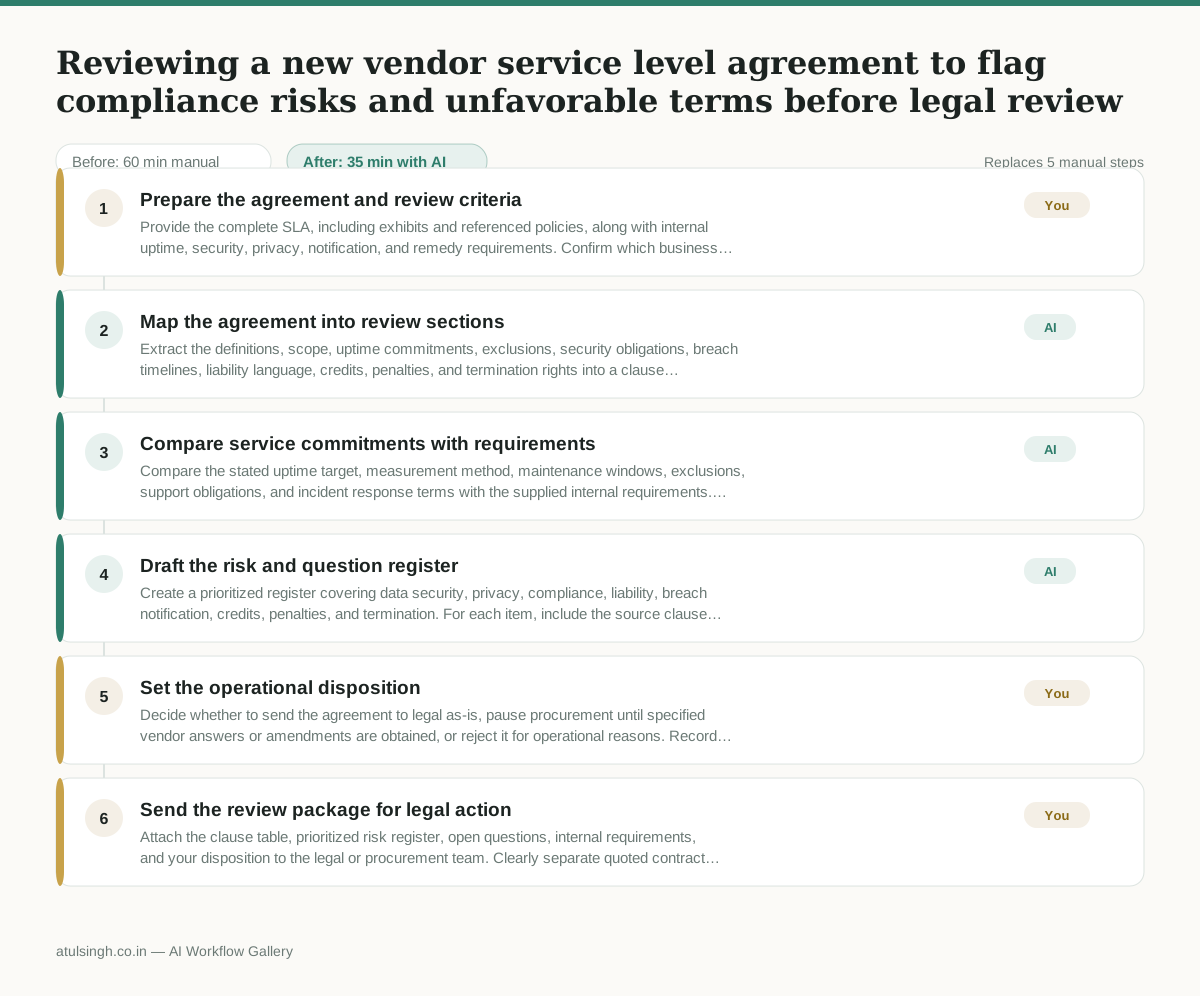
The workflow, step by step
- You
1. Prepare the agreement and review criteria
Provide the complete SLA, including exhibits and referenced policies, along with internal uptime, security, privacy, notification, and remedy requirements. Confirm which business systems and data are in scope so the analysis does not rely on unstated assumptions.
- AI
2. Map the agreement into review sections
Extract the definitions, scope, uptime commitments, exclusions, security obligations, breach timelines, liability language, credits, penalties, and termination rights into a clause table with page or section references. Mark missing, conflicting, ambiguous, or undefined terms instead of treating them as acceptable.
- AI
3. Compare service commitments with requirements
Compare the stated uptime target, measurement method, maintenance windows, exclusions, support obligations, and incident response terms with the supplied internal requirements. Identify where the SLA is weaker, conditional, silent, or dependent on another document, and quote the relevant language.
- AI
4. Draft the risk and question register
Create a prioritized register covering data security, privacy, compliance, liability, breach notification, credits, penalties, and termination. For each item, include the source clause, operational impact, missing information, and a question for legal or procurement; state plainly that AI cannot determine legal enforceability or confirm regulatory compliance.
- You
5. Set the operational disposition
Decide whether to send the agreement to legal as-is, pause procurement until specified vendor answers or amendments are obtained, or reject it for operational reasons. Record which risks are non-negotiable and what evidence or contract changes are required before approval can proceed.
- You
6. Send the review package for legal action
Attach the clause table, prioritized risk register, open questions, internal requirements, and your disposition to the legal or procurement team. Clearly separate quoted contract language, AI-generated analysis, and your operational decisions so counsel can validate the issues efficiently.
What you end up with
Where this falls apart
- The vendor agreement relies on definitions, schedules, or security policies embedded in external hyperlinks that are omitted from the provided text, causing the model to miss critical exclusions and liabilities.
- The agreement contains complex cross-references between multiple liability caps and indemnification sections that exceed the model's working context window, causing it to output an incomplete risk register.
More for Operations Manager
- Turn a recurring cross-team problem into a documented handoff
- mapping messy customer onboarding notes into our CRM and project management board
- finding out which team is dropping the ball on customer handoffs
- Checking monthly expense reports for unusual jumps in supply costs before sending them to finance
Also in revops
- Find and merge duplicate contacts and companies, and flag stale deals before the monthly pipeline review
- clean up a messy CRM export and build a forecast the sales leader will actually trust for the board meeting
- Document the sales process so a new sales rep can follow it without constantly asking questions
- Find and merge duplicate CRM records before the pipeline review