
Draft a custom pricing proposal for a procurement team after verbal agreement
Formatting and tailoring complex pricing tiers, compliance clauses, and agreed discounts into the buyer's required contract template takes hours of tedious copy-pasting, often resulting in minor cross-referencing errors that delay final sign-off.
- Before
- 60 min
- After
- 30 min
- Saved
- 30 min
How this used to go
- Review notes and call recordings from the final pricing negotiation to confirm agreed discounts, volumes, and terms.
- Open the standard company pricing sheet or calculator to configure the specific line items.
- Copy and paste the configured pricing tables into the prospect's required proposal template or procurement portal.
- Manually update any custom terms, service level agreements, or payment schedules discussed during the call.
- Review the entire document line by line to ensure previous client names or old terms were fully removed.
- Export the document to PDF and send it to internal sales management for a quick review before delivery.
Manually cross-referencing verbal agreements against rigid corporate templates and discount rules without making copy-paste errors.
The workflow, step by step
- You
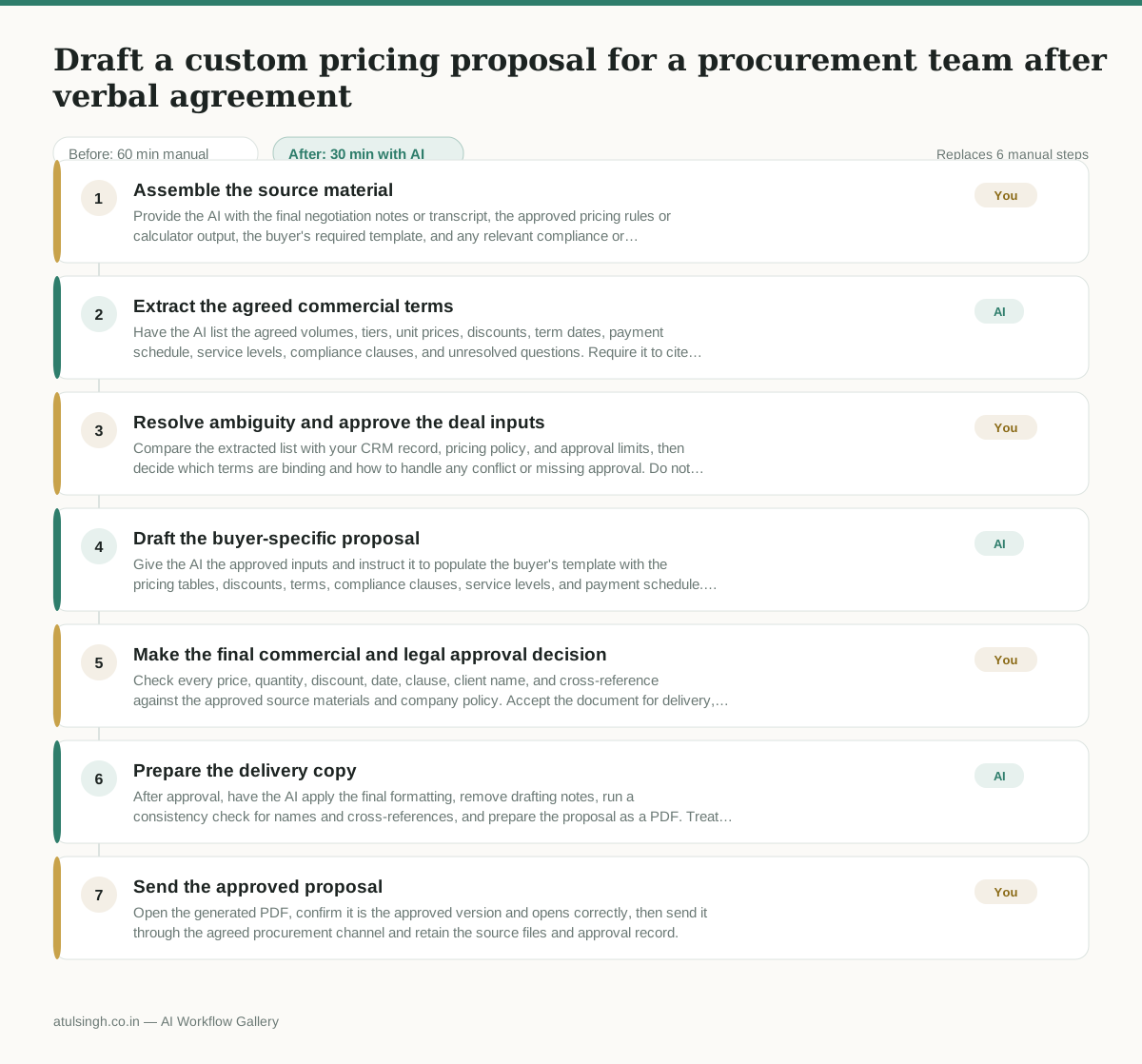
1. Assemble the source material
Provide the AI with the final negotiation notes or transcript, the approved pricing rules or calculator output, the buyer's required template, and any relevant compliance or service-level language. Remove unrelated customer information before sharing the materials.
- AI
2. Extract the agreed commercial terms
Have the AI list the agreed volumes, tiers, unit prices, discounts, term dates, payment schedule, service levels, compliance clauses, and unresolved questions. Require it to cite the source passage for each negotiated item and mark anything that is implied, inconsistent, or missing.
- You
3. Resolve ambiguity and approve the deal inputs
Compare the extracted list with your CRM record, pricing policy, and approval limits, then decide which terms are binding and how to handle any conflict or missing approval. Do not let the AI infer a discount, legal obligation, or exception that was not explicitly approved.
- AI
4. Draft the buyer-specific proposal
Give the AI the approved inputs and instruct it to populate the buyer's template with the pricing tables, discounts, terms, compliance clauses, service levels, and payment schedule. Ask it to preserve the template's headings, numbering, defined terms, and cross-references while flagging fields it cannot safely complete.
- You
5. Make the final commercial and legal approval decision
Check every price, quantity, discount, date, clause, client name, and cross-reference against the approved source materials and company policy. Accept the document for delivery, return it for correction, or escalate it to legal, finance, or sales management when an exception or contractual risk remains.
- AI
6. Prepare the delivery copy
After approval, have the AI apply the final formatting, remove drafting notes, run a consistency check for names and cross-references, and prepare the proposal as a PDF. Treat its checks as error detection rather than proof that the document is accurate.
- You
7. Send the approved proposal
Open the generated PDF, confirm it is the approved version and opens correctly, then send it through the agreed procurement channel and retain the source files and approval record.
What you end up with
Where this falls apart
- The source negotiation recording contains ambiguous verbal agreements or unstated assumptions, causing the AI to hallucinate specific terms or discount levels that violate company pricing policy.
- The buyer's required document template uses complex nested tables or custom XML structures that the AI cannot parse or populate correctly, resulting in broken layouts and misaligned pricing figures.
More for Account Executive
- Prep for a B2B demo call by checking recent company news, job postings, and tech stack changes to build relevant questions.
- Reviving deals that went quiet after sending a proposal by finding matching case studies and writing a follow-up message.
- Reviewing discovery call notes before booking a software demo to check if the prospect has a real budget, a hard timeline, and actual authority to buy.
- Tailor the demo pitch to different stakeholders based on company research and discovery notes
Also in sales
- Research an incoming company and its decision makers before a first sales meeting
- Reviewing a new sales rep's practice pitch against the team's call criteria before letting them talk to real prospects
- reaching out to former colleagues and personal contacts to announce a new company or product launch without sounding like a spammy marketer
- Turn raw discovery call notes into a structured pilot proposal for a new client